Setting up Voice DNA
Capture your unique writing style with Voice DNA so that every AI-generated post sounds like you wrote it.
Updated Jul 9, 2026
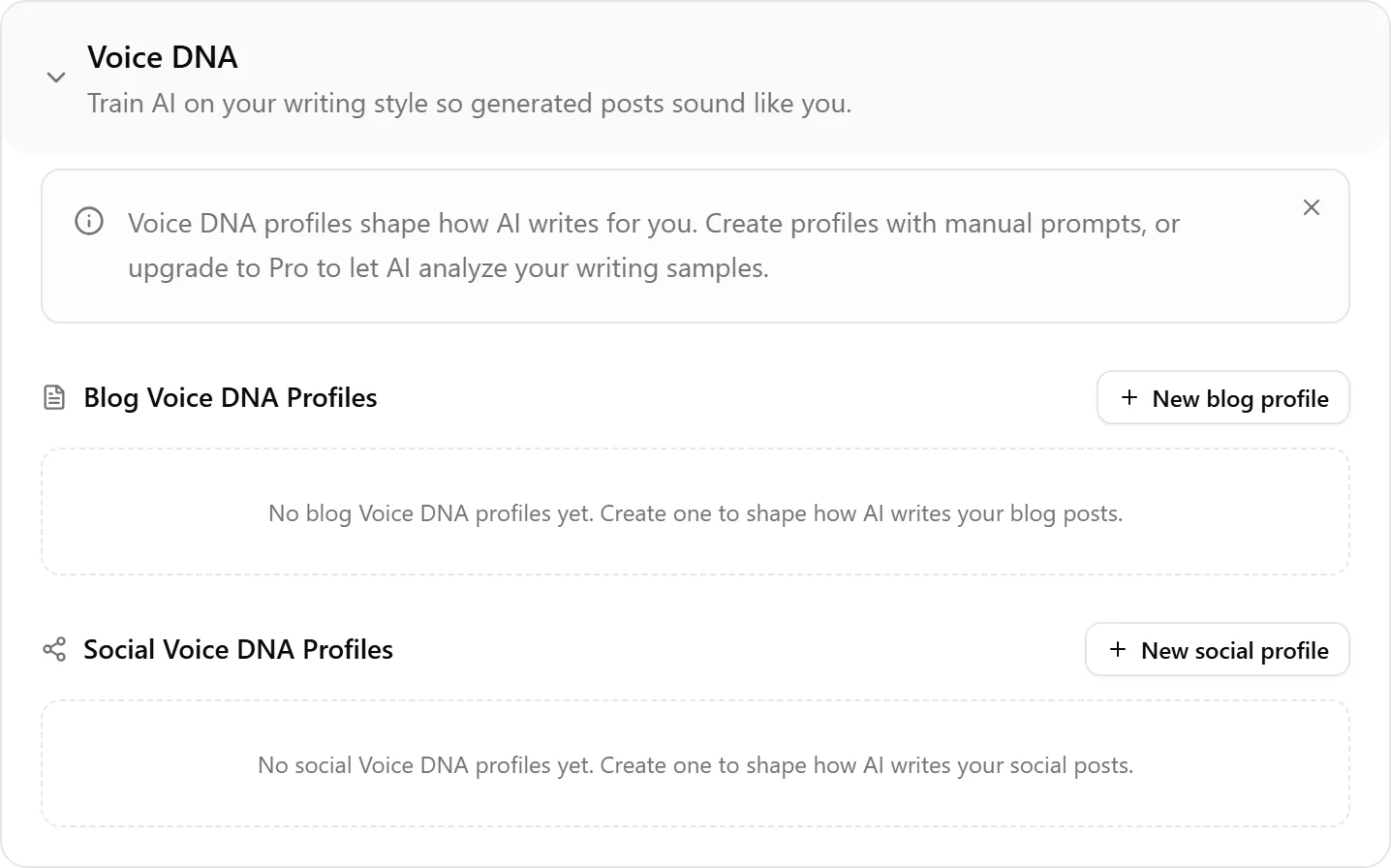
Voice DNA is what makes Nolorem's AI output sound like your writing instead of generic AI text. It analyzes real writing samples and extracts patterns that shape every piece of content the AI generates.
Two Setup Methods
1. Analyze Writing Samples (Pro and Premium)
This is the recommended approach. Provide three to five writing samples (blog posts, articles, emails, or any natural prose) and the AI extracts your distinctive patterns: sentence structure, vocabulary level, paragraph rhythm, rhetorical devices, opening and closing styles.
Steps:
- Go to Settings and scroll to Writing Style
- Click Create Voice Profile
- Choose Analyze Samples
- Paste or upload your writing samples (minimum one, recommended three to five)
- The AI validates your samples (checks language consistency and prose quality)
- Review the extracted profile and save
2. Manual Configuration (All Plans)
If you prefer not to share writing samples, you can configure your voice manually:
- Go to Settings and scroll to Writing Style
- Click Create Voice Profile
- Choose Manual Setup
- Select your preferred tone, formality, vocabulary level, and other style parameters
- Save the profile
Manual profiles work well but are less nuanced than analyzed profiles because the AI has fewer signals to work from.
Blog vs Social Profiles
Voice DNA maintains separate profiles for blog and social content:
- Blog profiles are scoped to a specific blog. If you manage multiple blogs with different voices, each can have its own profile.
- Social profiles are organization-wide but generate per-channel voice rules. The AI adapts your voice to each platform's conventions automatically: more formal for LinkedIn, more conversational for X, and so on.
What the AI Extracts
From your samples, the AI identifies:
- Sentence length patterns and variety
- Vocabulary sophistication and domain-specific terms
- Paragraph structure and rhythm
- Use of rhetorical devices (metaphors, analogies, questions)
- Opening and closing patterns
- Transition styles between ideas
- Tone consistency and formality level
Custom Tones
Alongside your Voice DNA profile, each blog has a tone setting that steers how a given piece reads. Nolorem ships a set of built-in tones, and you can add your own.
In Settings, under Writing Style, add a custom tone by giving it a name and a short description of how it should sound. Your custom tones then appear as their own group in the tone dropdown wherever you generate content, right next to the built-in ones. Add as many as you need up to the per-organization limit.
Custom tones and Voice DNA work together: Voice DNA fixes how your writing sounds structurally, while the tone you pick for a specific post shifts its register, for example more playful for an announcement or more measured for a technical piece.
Updating Your Profile
You can re-analyze with new samples or adjust manual settings at any time. Changes apply to all future content generation. Existing posts are not retroactively updated.
Related articles
Frequently asked questions
Was this article helpful?
Still need help?
Can't find what you're looking for? Open your support portal for live chat and tickets. Sign in with your Nolorem account.
Open support portal